Samm 1:
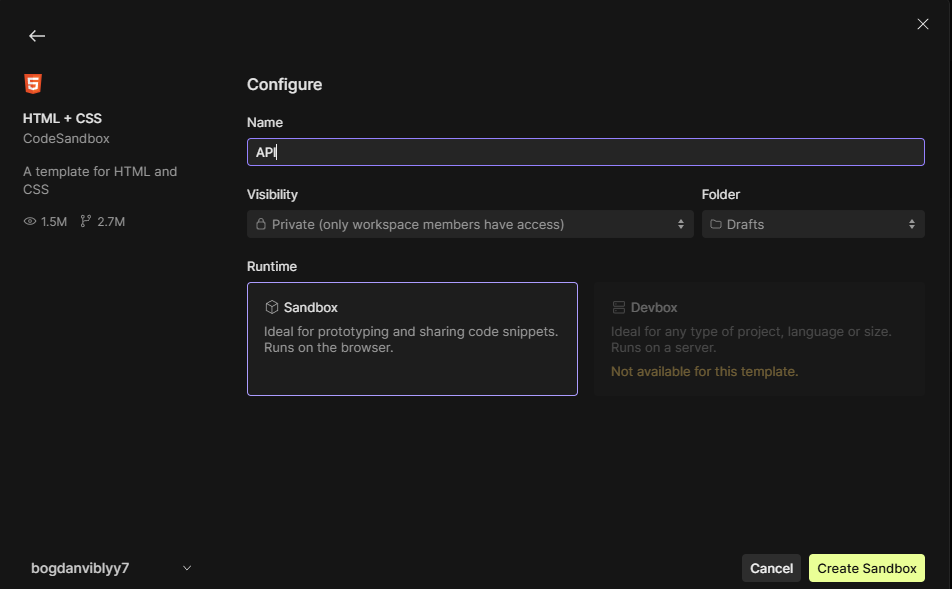
Esimeseks me avame sandboxi ja loome HTML/CSS projekti:
Samm 2:
Sisestame selline html:
<!DOCTYPE html>
<html lang="en">
  <head>
    <meta charset="UTF-8" />
    <meta name="viewport" content="width=device-width, initial-scale=1" />
    <meta http-equiv="X-UA-Compatible" content="ie=edge" />
    <title>Static Template</title>
    <link rel="stylesheet" href="styles.css" />
  </head>
  <body>
    <button type="button" onclick="loadDoc()">Request bacon</button>
    <p id="demo"></p>
    <script>
      function loadDoc() {
        const xhttp = new XMLHttpRequest();
        xhttp.onload = function () {
          document.getElementById("demo").innerHTML = this.responseText;
        };
        xhttp.open("GET", "https://baconipsum.com/api/?type=all-meat");
        xhttp.send();
      }
    </script>
  </body>
</html>
Samm 3:
Lisame css:
body {
  font-family: Arial, sans-serif;
  background-color: #f9f9f9;
  margin: 40px;
  text-align: center;
}
button {
  background-color: maroon; S
  border: none;
  color: white;
  padding: 14px 30px;
  font-size: 18px;
  cursor: pointer;
  border-radius: 6px;
  transition: background-color 0.3s ease;
}
button:hover {
  background-color: maroon;
}
#demo {
  margin-top: 20px;
  font-size: 16px;
  color: #333;
  max-width: 600px;
  margin-left: auto;
  margin-right: auto;
  line-height: 1.5;
  background-color: #fff;
  padding: 20px;
  border-radius: 8px;
  box-shadow: 0 0 10px rgba(0, 0, 0, 0.1);
  white-space: pre-wrap;
  word-wrap: break-word;
}
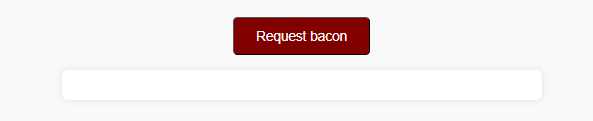
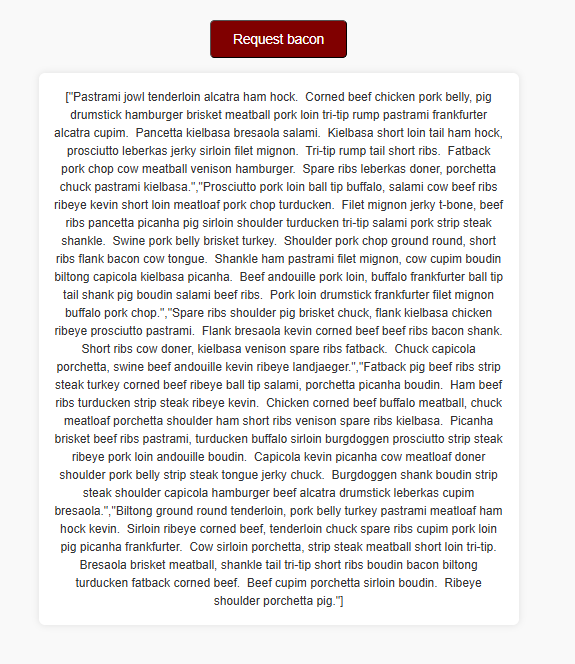
Tulemus:
Lisaülesanne:
Nüüd provime lisada uut APId. Selleks me muudame meie html niimodi:
<!DOCTYPE html>
<html lang="en">
  <head>
    <meta charset="UTF-8" />
    <meta name="viewport" content="width=device-width, initial-scale=1" />
    <meta http-equiv="X-UA-Compatible" content="ie=edge" />
    <title>Multiple Free APIs</title>
    <link rel="stylesheet" href="styles.css" />
  </head>
  <body>
    <button type="button" onclick="loadBacon()">Request Bacon</button>
    <button type="button" onclick="loadCatFact()">Request Cat Fact</button>
    <button type="button" onclick="loadBreakfastRecipes()">
      Request Breakfast Recipes
    </button>

    <div id="demo"></div>

    <script>
      function loadBacon() {
        const xhttp = new XMLHttpRequest();
        xhttp.onload = function () {
          document.getElementById("demo").innerHTML = this.responseText;
        };
        xhttp.open("GET", "https://baconipsum.com/api/?type=all-meat");
        xhttp.send();
      }

      function loadCatFact() {
        const xhttp = new XMLHttpRequest();
        xhttp.onload = function () {
          const response = JSON.parse(this.responseText);
          document.getElementById("demo").innerHTML = response.fact;
        };
        xhttp.open("GET", "https://catfact.ninja/fact");
        xhttp.send();
      }

      async function loadBreakfastRecipes() {
        const demo = document.getElementById("demo");
        demo.innerHTML = "Loading recipes...";

        try {
          const response = await fetch(
            "https://www.themealdb.com/api/json/v1/1/filter.php?c=Breakfast"
          );
          if (!response.ok) {
            demo.innerHTML = "Error fetching recipes.";
            return;
          }
          const data = await response.json();
          if (!data.meals || data.meals.length === 0) {
            demo.innerHTML = "No breakfast recipes found.";
            return;
          }
          demo.innerHTML = data.meals
            .map(
              (meal) =>
                `<h3>${meal.strMeal}</h3>
          <img src="${meal.strMealThumb}" alt="${meal.strMeal}" style="max-width:200px;border-radius:8px;margin-bottom:10px;" />`
            )
            .join("<hr />");
        } catch (error) {
          demo.innerHTML = "Failed to load recipes.";
        }
      }
    </script>
  </body>
</html>
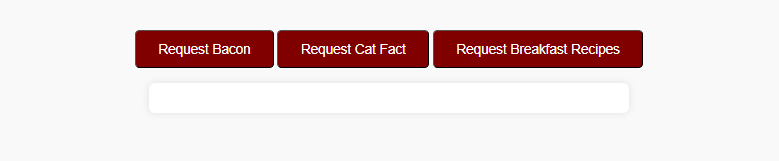
Lõpptulemus:
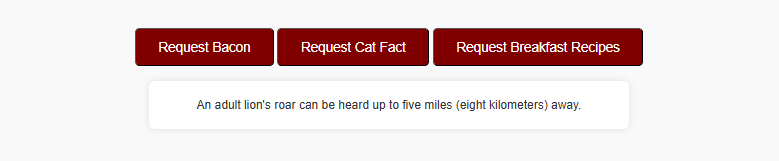
Juhuslikud faktid kassidest:
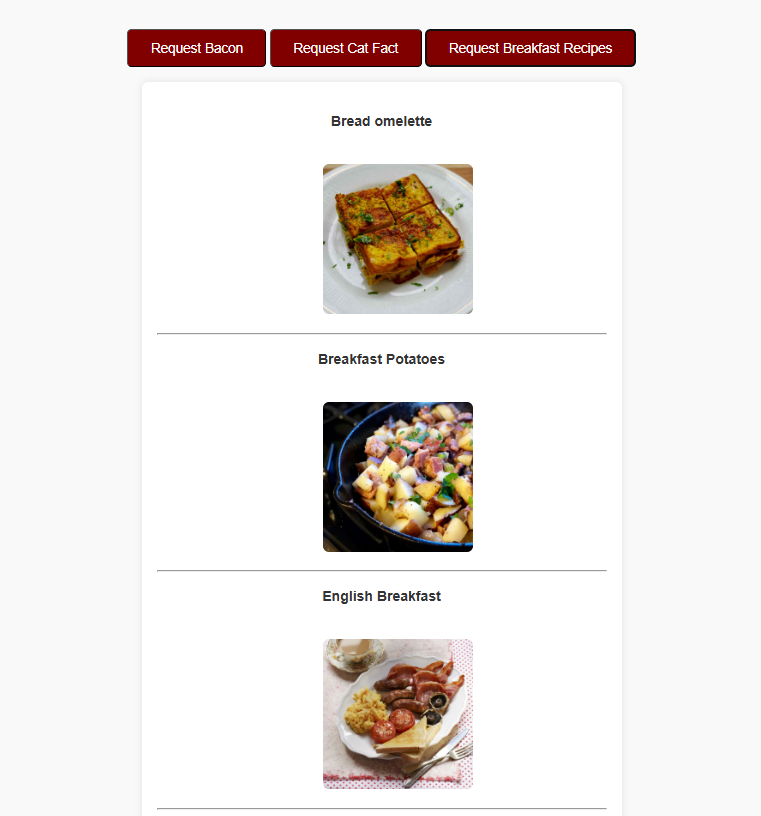
Hommikusöögi retseptid(aga tegilikult nad on lihtsalt fotod):
Kokkuvõtte:
xhttp.open(“GET”, url) – avab uus HTTP päring
xttp.send() – saadab päringu serverisse
XMLHTttpRequest – AJAX päring mis saadab API aadressile päringu